
Toyota Sienna Service Manual: Brake actuator (w/o vsc)
COMPONENTS
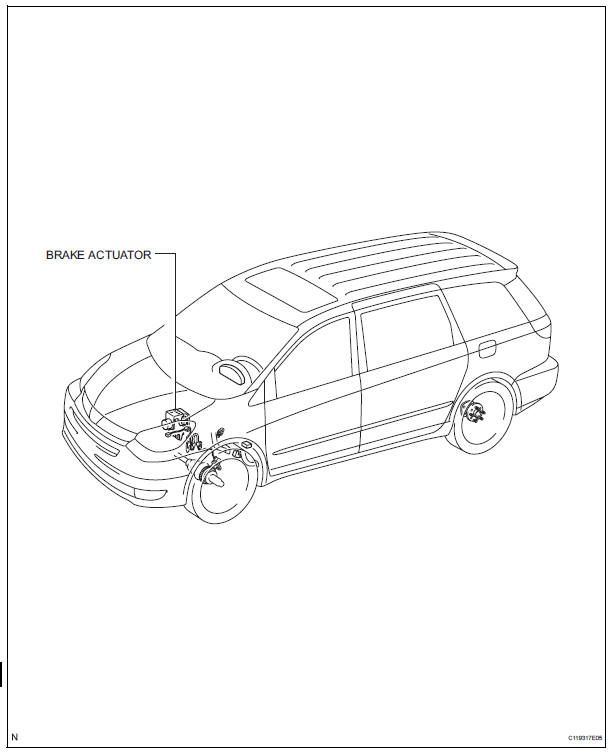
 On-vehicle inspection
1. CONNECT INTELLIGENT TESTER
(a) Connect the intelligent tester to the DLC3.
(b) Start the engine and run at idle.
(c) Select the ACTIVE TEST mode on the intelligent
tester.
HINT:
Pleas ...
Other materials:
Inspection
1. INSPECT FRONT STABILIZER LINK ASSEMBLY LH
(a) As shown in the illustration, flip the ball joint stud
back and forth 5 times, before installing the nut.
(b) Using a torque wrench, turn the nut continuously at
a rate of 2 to 4 seconds per 1 turn and take the
torque reading on the 5th tur ...
Wrong Disc/ Disc cannot be Read/ Wrong Disc/ Disc cannot be Read
DTC 62-41 Wrong Disc
DTC 62-42 Disc cannot be Read
DTC 63-41 Wrong Disc
DTC 63-42 Disc cannot be Read
DESCRIPTION
DTC No.
DTC Detecting Condition
Trouble Area
62-41
An unsuitable disc is inserted
CD
Radio receiver
62-42
Th ...
Zero Point Calibration of Yaw Rate Sensor Undone
DESCRIPTION
The skid control ECU receives signals from the yaw rate sensor via CAN
communication system.
Yaw rate sensor has the built-in deceleration sensor.
If there is trouble in the bus lines between the yaw rate and deceleration
sensor and CAN communication
system, the DTC U0123 ...
